Nothing blocks the page
Signatures, annotations and form fields are not drawn when a PDF opens, and nothing on the page takes the keyboard or asks for input. The document that froze another reader reads here at once.
 Feuille
Open a PDF at once, arrange its pages, change its words.
· With Nix: nix profile add github:sachahjkl/feuille · MIT
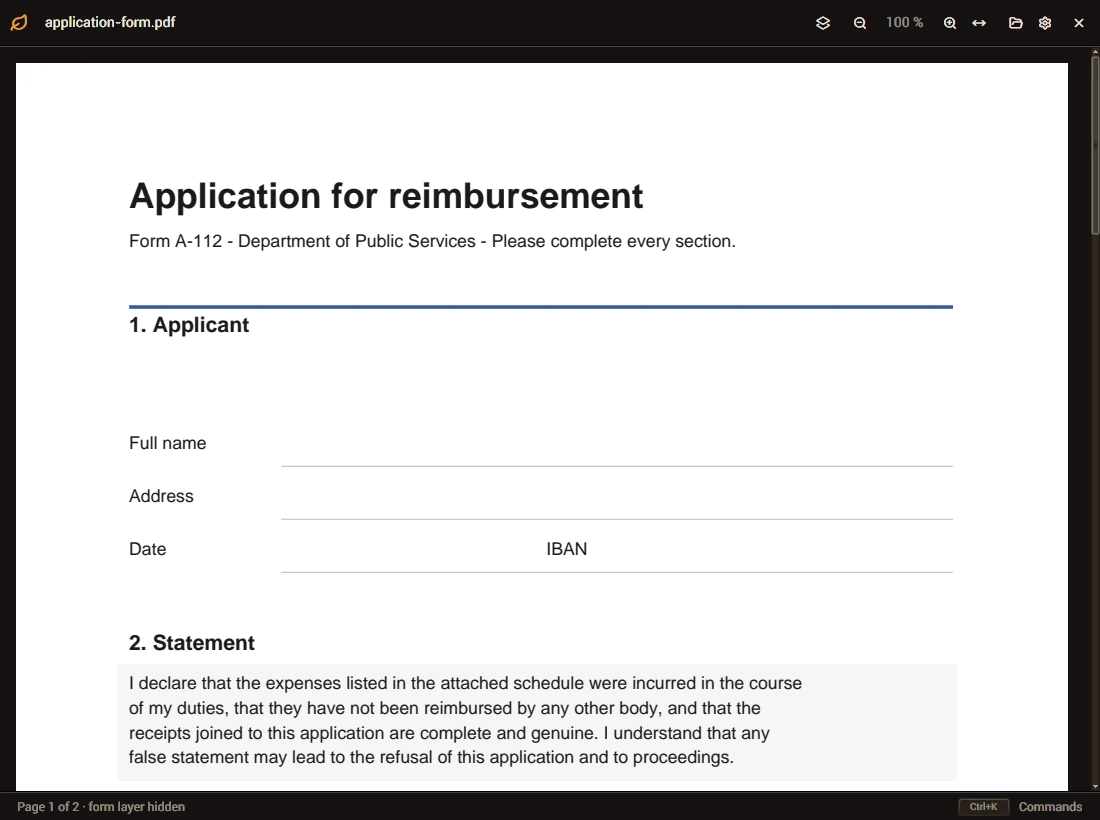
Signatures, annotations and form fields are not drawn when a PDF opens, and nothing on the page takes the keyboard or asks for input. The document that froze another reader reads here at once.
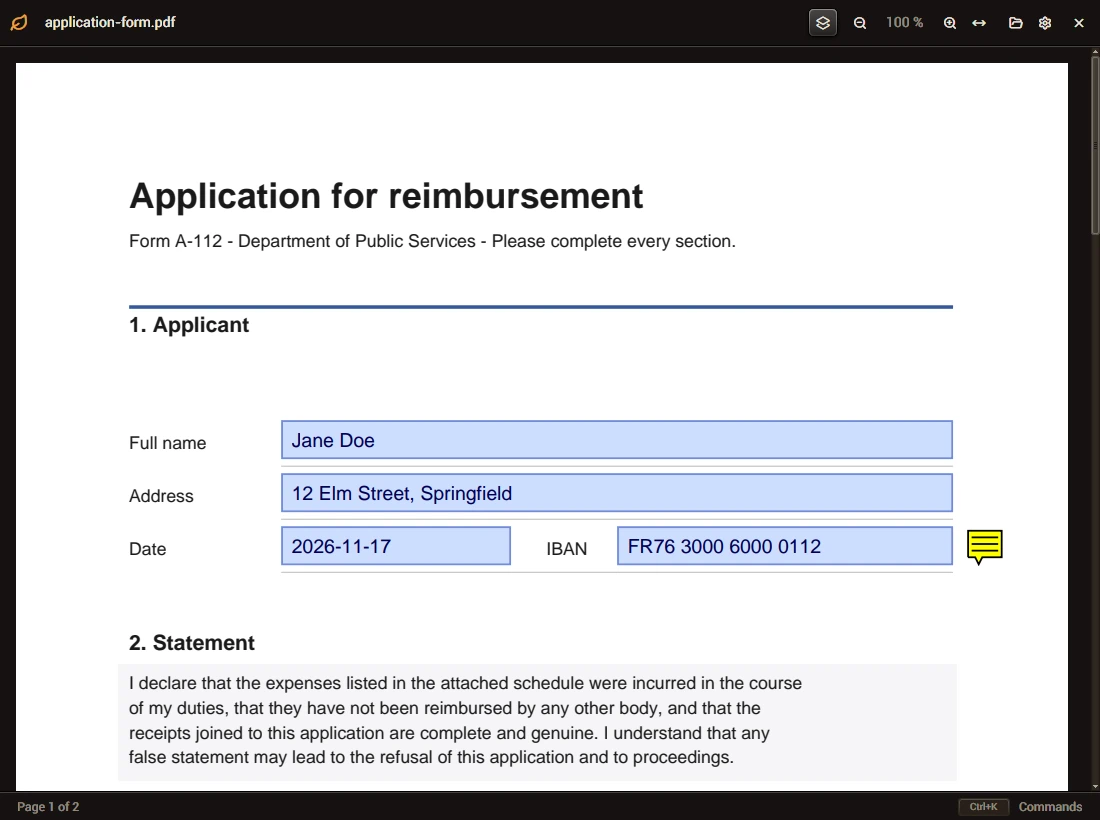
Ctrl+L draws the fields, the signatures and the notes over the pages, as a picture. The file itself is never changed by opening it.
A PDF with a password asks for it in the window. A copy saved from it has no password and no restriction.
Only the pages near the view are drawn, on a thread of their own: a document of a thousand pages scrolls as one of ten, and the window never waits.
Turn, add, remove and reorder pages; change the words of a text block. One version, everything in it.
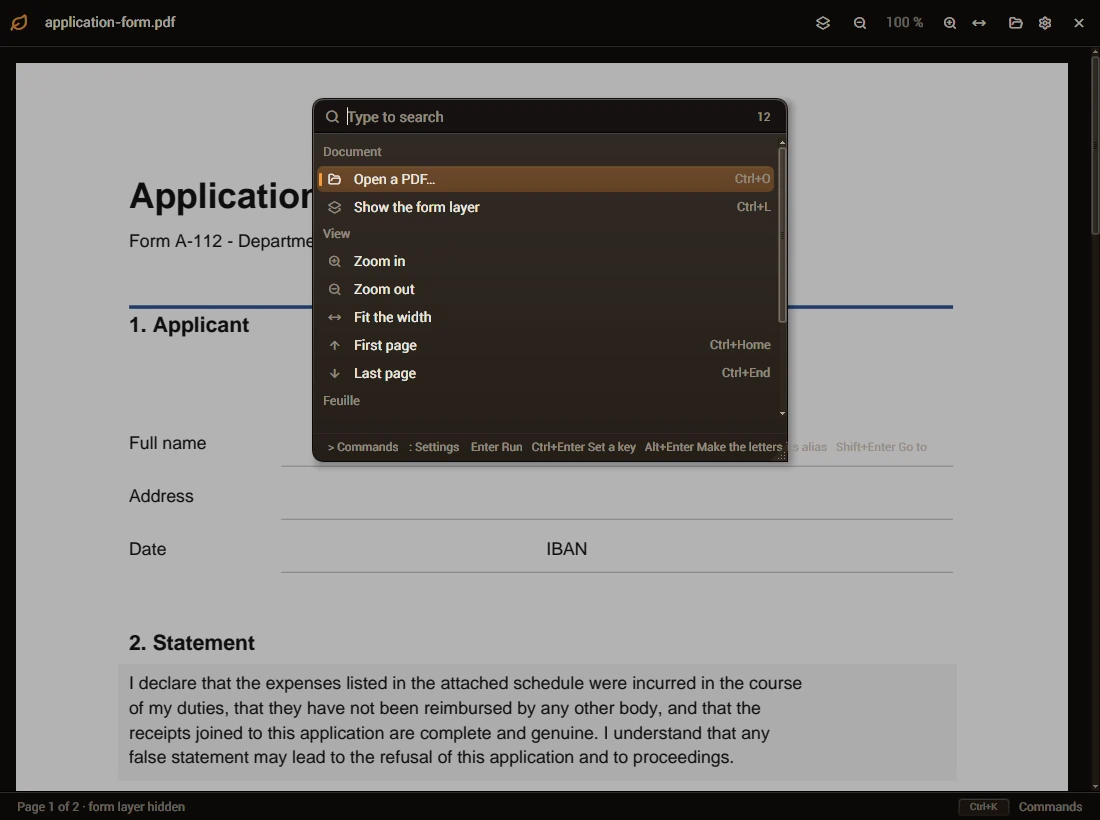
Ctrl+K finds every command and setting; F1 lists the keys; every key can be changed.
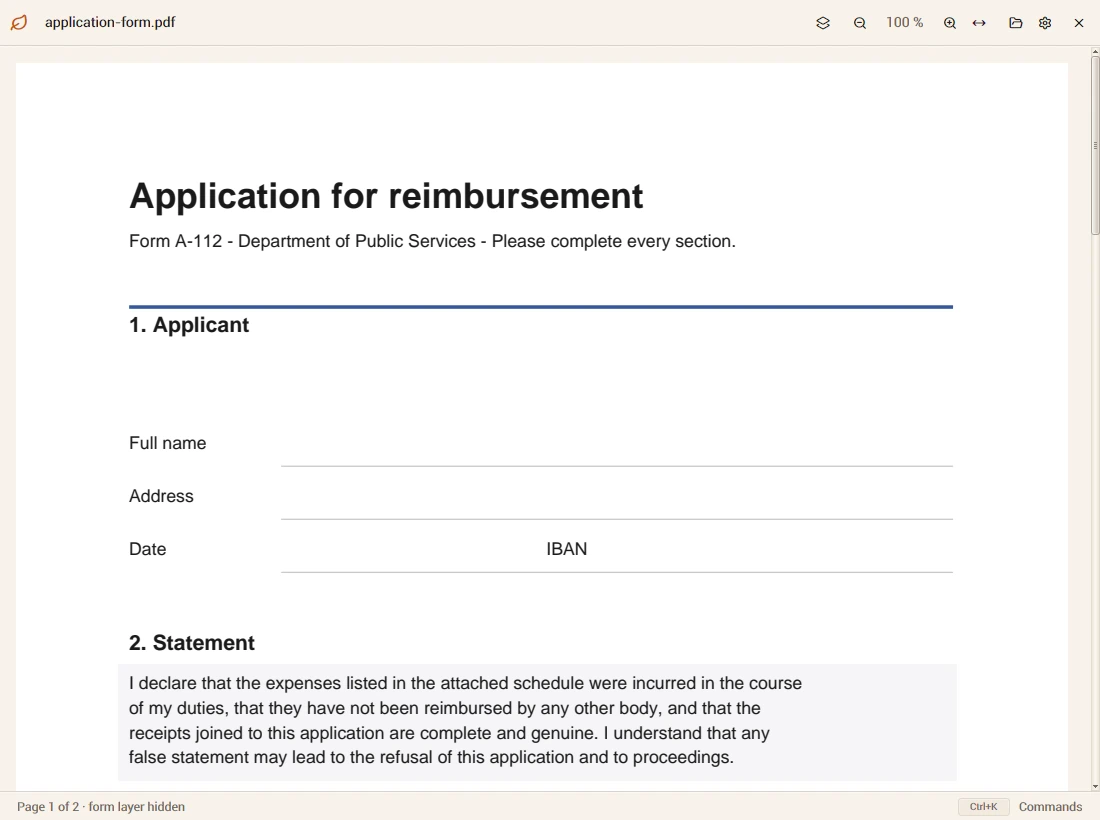
One program for Linux x64, Wayland or X11. It needs Vulkan, fontconfig and PDFium's library
(libpdfium.so, from pdfium-binaries).
feuille-0.1.0-linux-x64.tar.gz
The flake builds Feuille from source with everything it needs, PDFium included:
nix run github:sachahjkl/feuille, or add packages.x86_64-linux.default to your configuration.
nix profile add github:sachahjkl/feuille
Coming: the program runs on Windows through its toolkit; the PDF engine's loader comes next.